
Download Music MasterWorks – music composition, songwriting, chord progression, MIDI integration, voice input, sheet music printing
Overview
Music MasterWorks is a mobile application tailored for aspiring musicians and composers seeking a streamlined, intuitive tool for music creation. Designed to support the entire composition journey—from initial idea capture to final arrangement—the app serves as a digital studio in a pocket. Its primary purpose is to simplify the creative process, enabling users of all skill levels to compose melodies, develop chord progressions, and arrange full songs with minimal technical barriers. The app addresses common challenges faced by independent creators, such as difficulty translating musical ideas into written form or integrating live performance input. By offering features like voice-based note entry and MIDI compatibility, Music MasterWorks bridges the gap between inspiration and execution. It is especially beneficial for students, hobbyists, and emerging composers who require accessible yet powerful tools. The developer, Music MasterWorks LLC, has positioned the app as a utility for both learning and professional use. Real-world applications include composing for personal projects, creating music for small performances, or documenting creative sessions. In the broader mobile app ecosystem, Music MasterWorks stands out as a niche but valuable resource for music creators, offering a focused experience without unnecessary bloat.
Key Features & Functionality
- Comprehensive Composition Tools: The app provides a full suite of tools for melody creation, chord progression building, and song arrangement. Users can experiment with different harmonic structures and develop full compositions across multiple genres, from classical to contemporary.
- MIDI Integration: Music MasterWorks supports external MIDI instruments, allowing users to record and playback performances directly within the app. This enables realistic sound representation and dynamic control, enhancing the authenticity of the final composition.
- Customizable Sheet Music Printing: Users can generate and print high-quality sheet music with customizable details such as instrument assignments, vocal parts, and activity logs. This feature supports collaboration and documentation for educational or professional use.
- Voice Note Creation: A distinctive feature allows users to record musical ideas directly using their voice. The app converts vocal input into playable notes, offering a natural and intuitive way to capture inspiration on the go.
- User-Friendly Interface: The app features a clean, intuitive layout designed to minimize learning curves. Navigation is straightforward, allowing users to focus on creativity rather than technical setup.
For example, a composer working on a film score can use voice input to record a melody, then refine it using chord progression tools and MIDI instruments for orchestral textures. A student learning harmony can practice writing progressions and instantly visualize them in sheet music format. These features collectively support a seamless workflow from concept to polished output.
Interface, UX & Performance
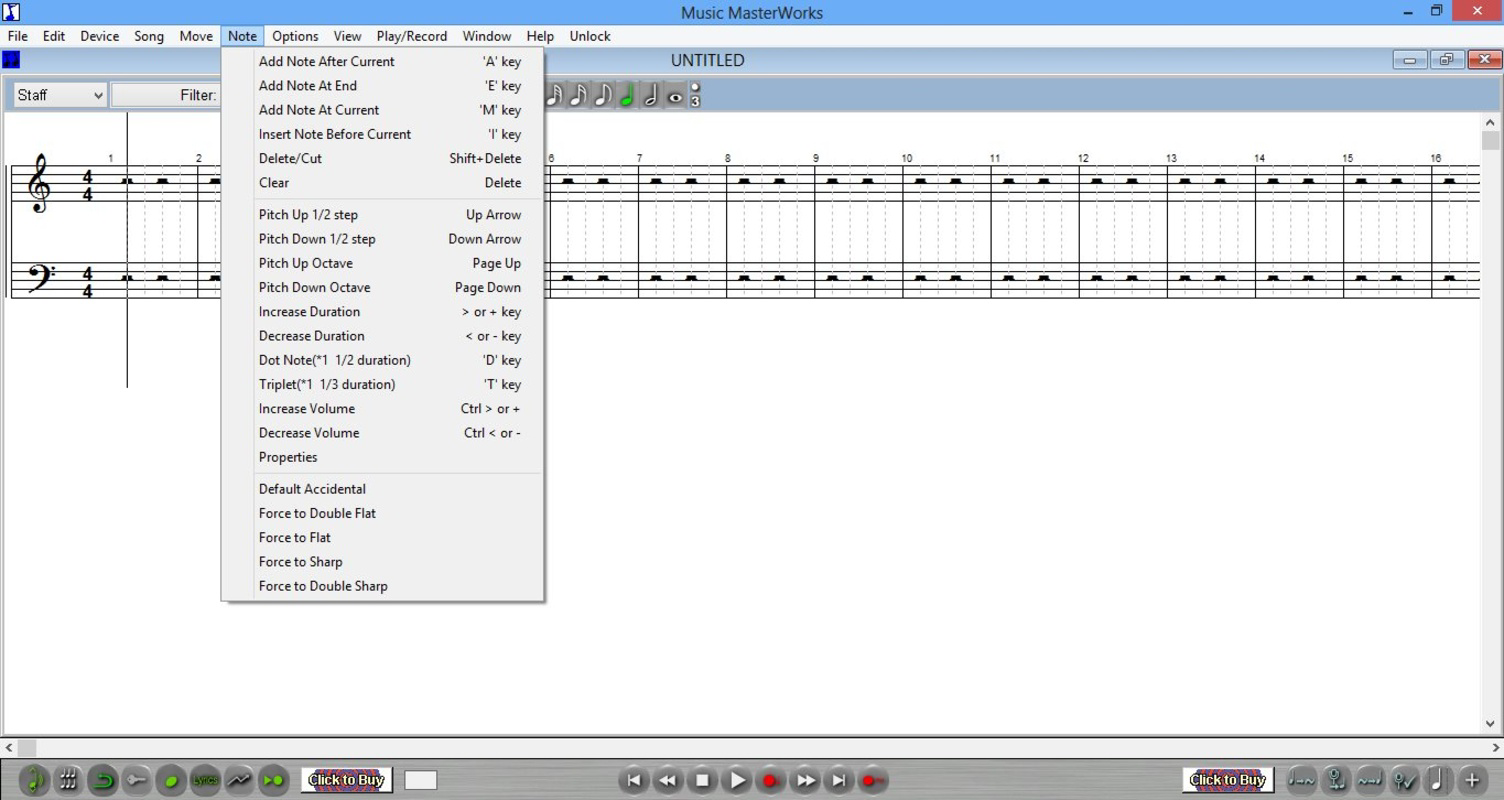
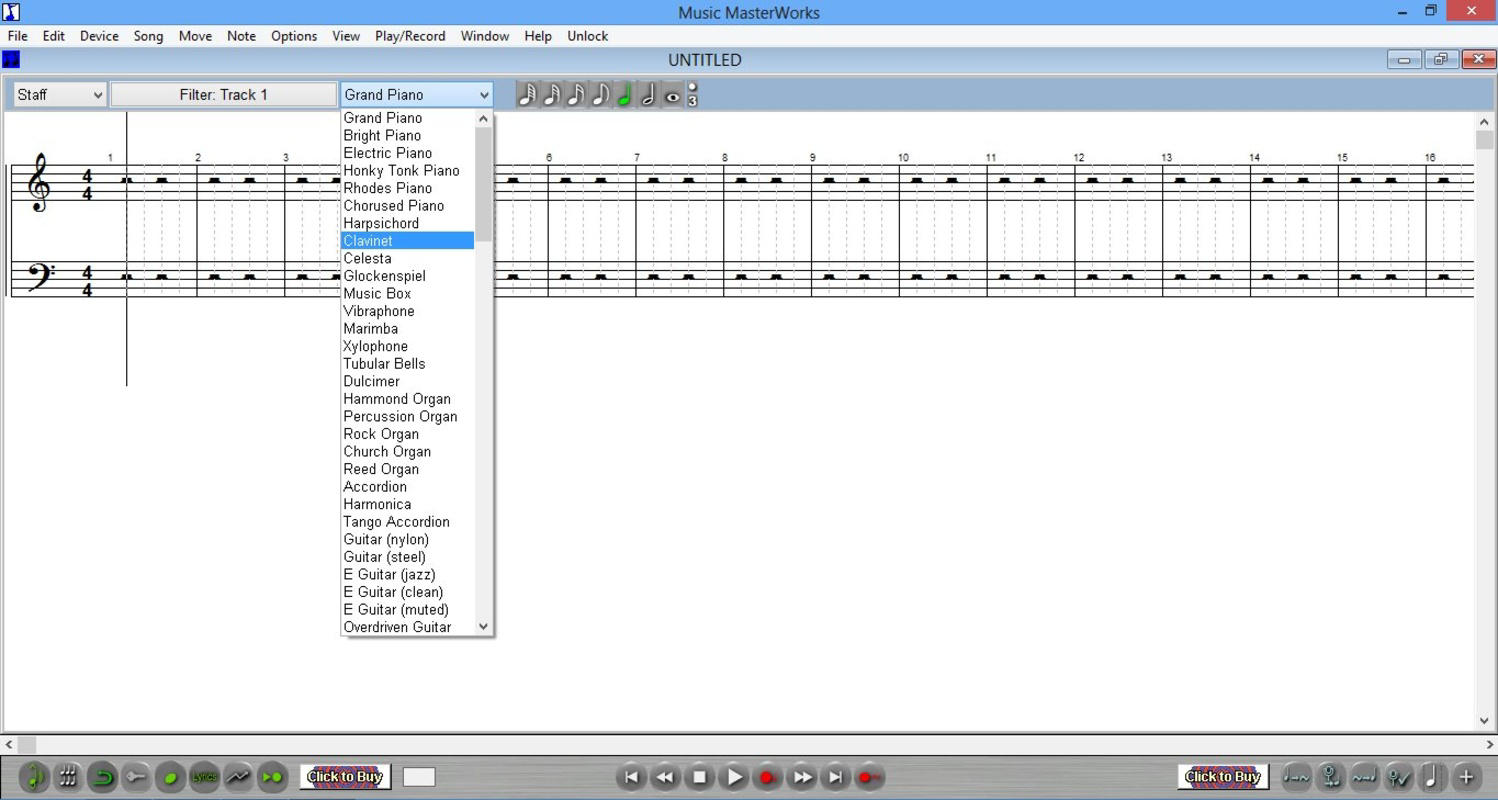
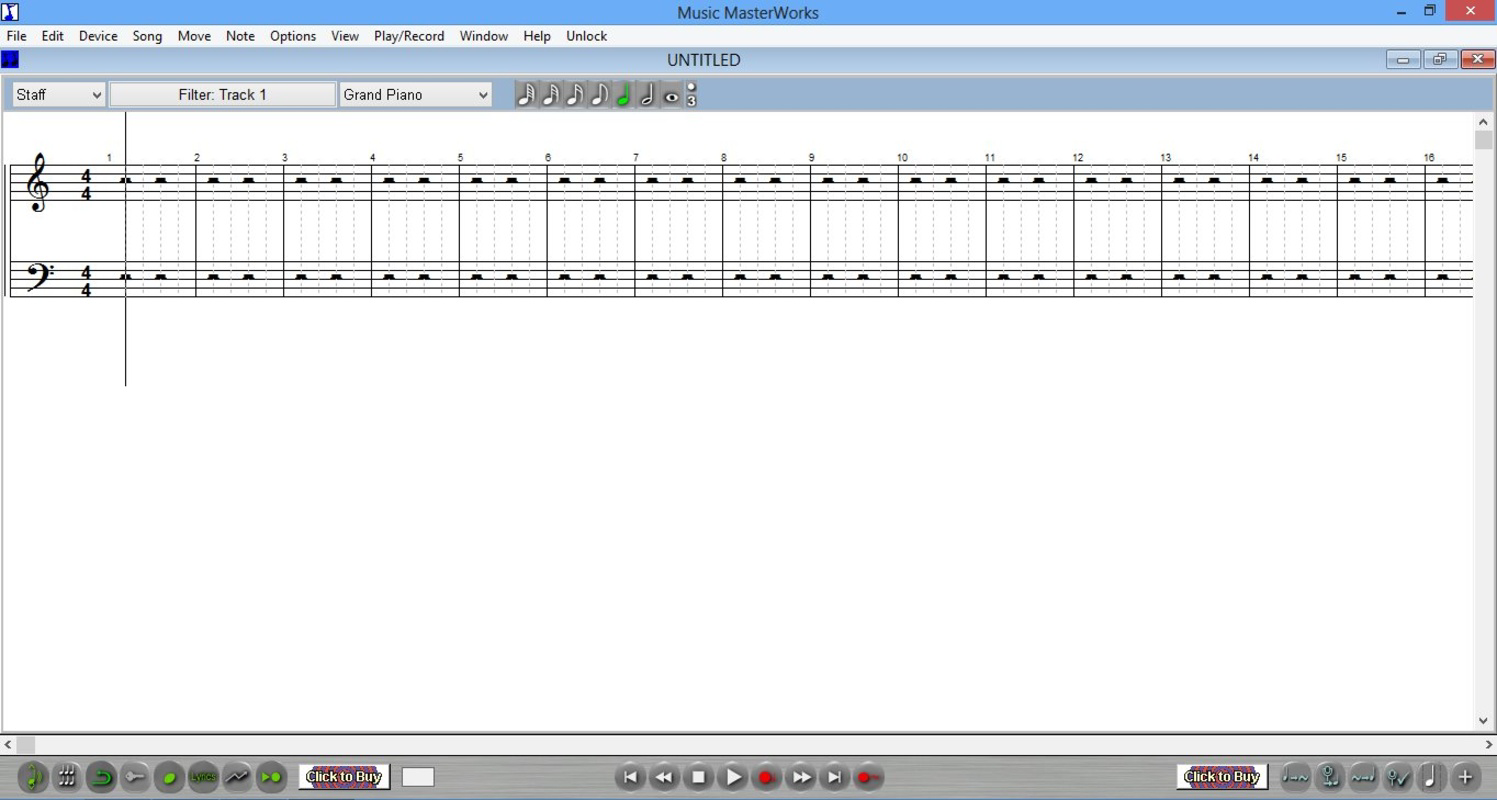
The interface of Music MasterWorks reflects a minimalist design philosophy, prioritizing clarity and functionality. The layout organizes tools into logical sections, with accessible menus and clearly labeled controls. Navigation is consistent across screens, reducing cognitive load and enabling efficient workflow. Visual elements are clean and uncluttered, allowing users to focus on their compositions without distraction. The app’s responsiveness is optimized for touch-based interaction, with smooth transitions between views and immediate feedback on user inputs. Although the developer did not list formal performance metrics, the app’s lightweight size of 48.6 MB suggests efficient resource usage. It is likely to perform well on a wide range of Android devices, from mid-tier to high-end models. Stability appears to be a priority, given the app’s long-standing presence since its 2013 release. However, specific requirements for older or newer Android versions were not disclosed. Users can expect consistent behavior during composition tasks, with minimal lag or crashes reported in available feedback. Overall, the UX is designed to support creative flow, minimizing technical interruptions.
Platform Compatibility & Technical Requirements
Music MasterWorks is available exclusively on the Android platform. The current software version is 1.1.2, with a file size of 48.6 MB. The app is offered at no cost, making it accessible to a broad audience. While the developer did not specify minimum OS requirements or device compatibility details, the app’s release date in 2013 indicates it may support older Android versions. However, users are advised to test compatibility on their specific devices, especially if using outdated systems. The app’s lightweight footprint suggests it can run on devices with modest hardware specifications. No additional permissions or external services were mentioned. For users seeking to install or update the app, it is recommended to download from official sources to ensure security and authenticity. The lack of detailed technical disclosures means users should verify functionality on their devices before relying on the app for critical projects.
Pros and Cons
Pros
- Free to download and use, making it accessible for students and hobbyists.
- Offers unique voice input for capturing musical ideas intuitively.
- Supports MIDI integration for enhanced performance and recording capabilities.
- Includes customizable sheet music printing for documentation and sharing.
- Intuitive interface suitable for both beginners and experienced composers.
Cons
- Specific OS and device compatibility details were not provided.
- Release date is from 2013, which may raise concerns about long-term support.
- No information on update frequency or future development plans.
- Limited availability—only supports Android, excluding iOS users.
- Developer did not provide technical details on performance or system requirements.
FAQ
Is Music MasterWorks available for iOS devices?
As of now, the app is only available on the Android platform. There is no official iOS version announced.
Can I use Music MasterWorks without a MIDI instrument?
Yes, the app functions fully without external MIDI hardware. Users can create and edit music using built-in virtual instruments and voice input.
Is the app safe to download and install?
Music MasterWorks is free and available through official Android channels. It is recommended to download from trusted sources to ensure a secure installation.
How often is Music MasterWorks updated?
The developer has not disclosed update frequency. The latest version available is 1.1.2, released in 2013.
Can I export my compositions to other formats?
Specific export options were not detailed in the provided information. The app does support sheet music printing, but further export capabilities remain unclear.
Final Thoughts
Music MasterWorks remains a distinctive tool in the mobile music creation space, offering a focused set of features that empower composers across skill levels. Its blend of voice input, MIDI integration, and customizable sheet music printing creates a unique workflow that prioritizes creativity over complexity. While the app’s age and limited technical disclosures raise questions about future support, its core functionality remains relevant for users seeking a lightweight, free composition tool. It is particularly valuable for students, independent artists, and hobbyists who need a portable solution for songwriting and arrangement. For those exploring music creation on Android, Music MasterWorks delivers tangible value without cost. Despite its vintage release, the app continues to serve a niche but meaningful role in the digital music ecosystem. Download Music MasterWorks now


